WATCH / REQUEST A VIRTUAL SCREENING
American Agitators is available for person & virtual community screenings. Bring this important film to your friends, family, organization, or commit - anywhere in the world.
WATCH ON YOUR OWN — OR BRING PEOPLE TOGETHER
You’ll be redirected to our watch tiers.
HOW WOULD YOU LIKE TO WATCH?
WATCH AT HOME
$13.99
Watch American Agitators from home with Gathr’s individual VOD option.
HOST A COMMUNITY SCREENING
$325
Bring the film to your union, organization, community center, or other venue— in person or virtually.
HOST A VIRTUAL SCREENING
$500
Get dedicated virtual access — ideal for town halls looking to host while giving members the flexibility to watch from anywhere within a defined viewing period.
PARTNER SCREENING (TVOD)
$500
Purchase 100 individual rentals to share with your members, available anytime over a 30-day period. Each rental includes 72 hours of viewing access.
OPTIONAL ADD-ON
$30
Axioms for Organizers DIGITAL DOWNLOAD
Available at Checkout
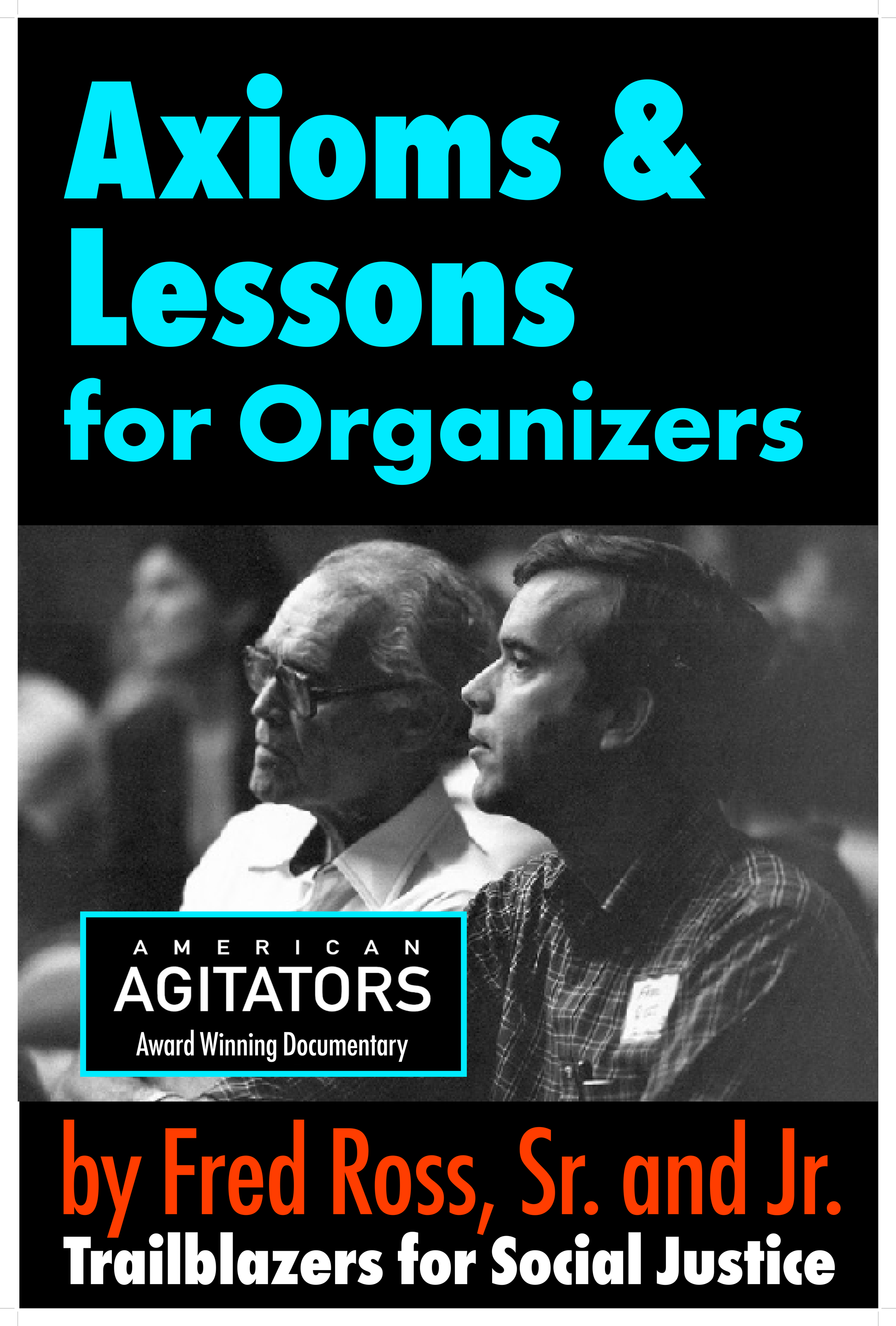

A concise guide to organizing and building movements for social justice.
WE APPRECIATE YOUR SUPPORT
At the end of every checkout process, you have the option to DONATE to our cause. Or, click the donate button to contribute now.
By Donating you help AMERICAN AGITATORS screen in select theaters, college campuses, union halls and community centers across battleground states, from now through the election, and get out the vote.
All contributions are tax-deductible and help to pay for the campaign to create change.
*For more information, please visit
https://creative-visions.networkforgood.com/projects/228916-fred-ross-project-s-fundraiser
or contact us at jwheffernan5@gmail.com

GATHR FAQ
-
Once you purchase a ticket you may stream the video anytime within the viewing window. Once you press play, you will have a limited window during which to view the Film - by default this is 72 hours.
-
After you complete your purchase, you’ll receive a link to watch American Agitators in your email inbox.
-
We have has provided their highest quality video file for your enjoyment, which you’ll view on GATHR’s virtual watch page with video controls, including a fullscreen button, and more.
-
Yes, we encourage you to share this link widely so others can purchase their own rental!
-
Option 1:
Use the Gathr Movies app on Apple TV (tvOS)
1. Install the Gathr Movies app on Apple TV (tvOS) – find it by searching “Gathr Movies” in your tvOS device’s app store.
2. Open the app and follow the on-screen prompt to activate it. (Details on activation code covered below.)
3. Your purchased film will be available in the app once linked.Option 2:
Using a smart TV with an internet connection, the simplest way to stream content from your computer or other device is by hooking up an HDMI cable. Connect your device directly to your TV, via wireless (Chromecast, Roku, Apple TV, etc.) and you are ready to stream the film.
-
Your film won’t play until the screening period begins. If your film still won’t play within the screening period, please reload your browser and try again. If this doesn’t solve the issue, restart your device and try again. If after trying the above, and you still are not able to watch, contact support@gathr.com.
-
•Scan the QR code on your smartphone, then enter and confirm the code displayed on your TV.
•Follow the instructions to enter your email or log into your Gathr account via your smartphone.
•Enter your email confirmation code, which you will receive upon completion of the previous step.